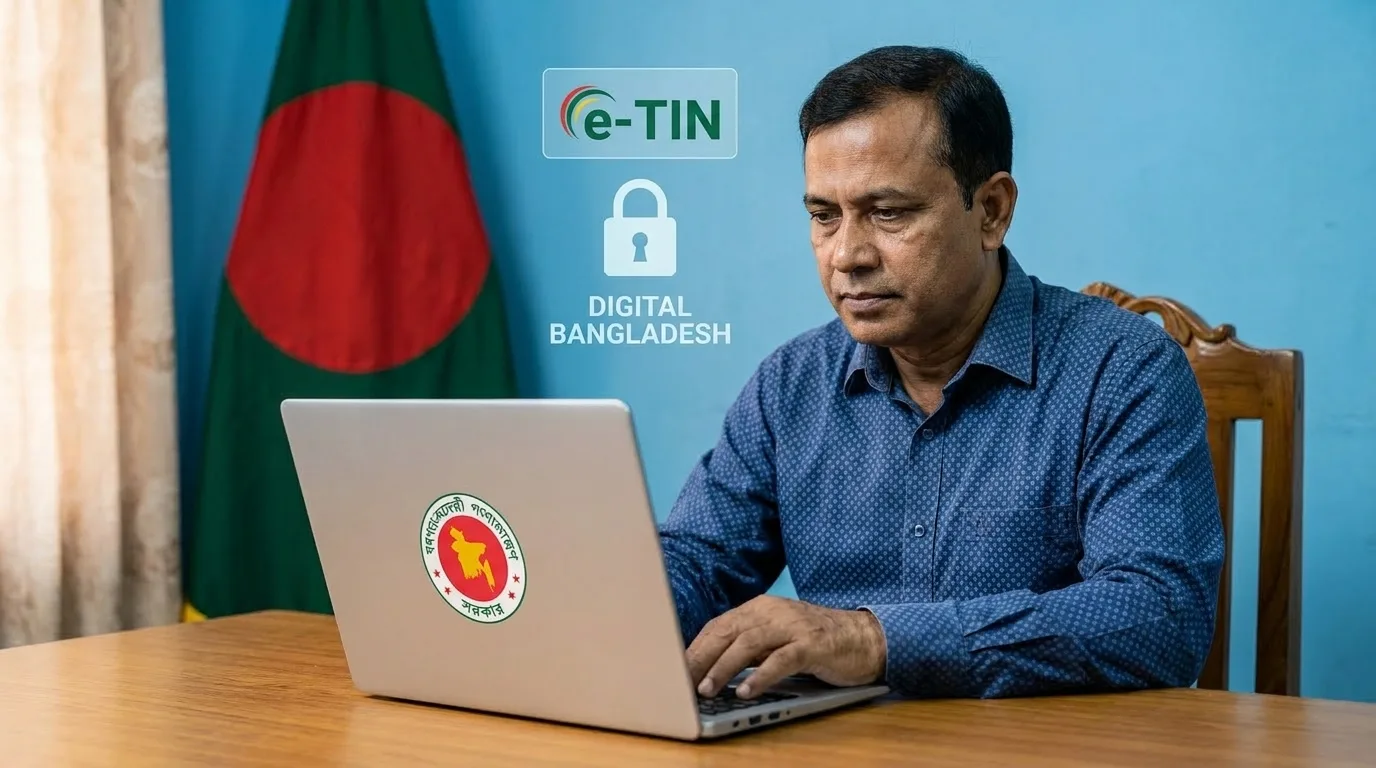
In today’s digital Bangladesh, tax compliance has become more accessible than ever. The e-TIN registration process allows citizens and businesses to obtain a Taxpayer Identification Number online, eliminating paperwork and long queues. Whether you’re a first-time taxpayer or need a digital TIN for financial transactions, this guide walks you through the entire journey. By the end, you’ll know exactly how to TIN apply online and why the Bangladesh TIN apply online system is a game-changer.
What is e-TIN and Why Do You Need It?
An e-TIN (Electronic Tax Identification Number) is a unique 12-digit number issued by the National Board of Revenue (NBR) in Bangladesh. It serves as your digital identity for all tax-related activities. From submitting income tax returns to opening a bank account or obtaining a trade license, an e-TIN is now mandatory for numerous financial and legal procedures.
Who Should Register for e-TIN?
- Salaried individuals whose annual income exceeds the tax-free threshold.
- Business owners (sole proprietors, partnerships, private limited companies).
- Freelancers and gig workers earning income locally or globally.
- Landowners for property registration and tax purposes.
- Students applying for certain scholarships or competitive exams that require a TIN.
Prerequisites for e-TIN Registration
Before you begin the online application, gather the following:
- Active mobile number (must be registered in your name).
- Valid email address.
- National ID (NID) card.
- Recent passport-size photograph (digital copy, within specified size).
- Signature sample (scanned or clear image).
- Information about your source(s) of income.
- Details of your nominee (if applicable).
Step-by-Step e-TIN Registration Process
Follow these steps to TIN apply online smoothly.
Step 1: Visit the Official Portal
Navigate to the NBR’s e-TIN portal: https://secure.incometax.gov.bd. Always use the official government website to ensure security. The Bangladesh TIN apply online system is designed to be intuitive and user-friendly.
Step 2: Choose ‘e-TIN Registration’
On the homepage, click on the “e-TIN Registration” option. You will be redirected to a form where you need to enter your National ID number and date of birth (as per NID).
Step 3: One-Time Password (OTP) Verification
An OTP will be sent to the mobile number registered with your NID. Enter the OTP within its validity period to proceed. If your NID does not have a linked mobile number, you must update it at an NID service point before continuing.
Step 4: Fill Out the Registration Form
You will now see a detailed form divided into several sections:
- Personal Information: Auto-populated from your NID, but verify for accuracy.
- Contact Details: Add your present and permanent address, email, and phone.
- Income Information: Declare your primary source of income (salary, business, agriculture, etc.) and expected annual income.
- Nominee Details: Provide a nominee’s name, NID, and relationship.
- Asset Information (optional): You may list fixed assets like land or vehicles.
Take your time to fill in all fields correctly. Any mismatch with official records can delay your application.
Step 5: Upload Photo and Signature
Upload a recent passport-size photograph (max 300 KB) and a digital image of your signature (max 150 KB). Ensure the images adhere to the specified dimensions:
- Photo: 300×350 pixels
- Signature: 300×80 pixels
Step 6: Review and Submit
Once all sections are complete, preview the entire application. Check for spelling errors or incorrect data. After confirmation, click “Submit”. The system will generate a tracking number for your application.
Step 7: Download e-TIN Certificate
Upon successful submission, you can instantly download your e-TIN certificate in PDF format. This certificate contains your TIN number, name, and a QR code for verification. Keep a printed copy and a digital backup for future use.
Common Mistakes to Avoid During e-TIN Registration
- Incorrect NID details: The form auto-fills from your NID; if your NID has errors, correct them with the Election Commission first.
- Mismatched signature: The uploaded signature should match the one on your NID if you already submitted that to the bank or other institutions.
- Uploading oversized images: Files larger than the limit cause upload failure.
- Using an unregistered mobile number: The mobile number must be linked to your NID.
- Leaving mandatory fields empty: Some optional fields may later become mandatory for specific services; fill out as much as possible.
Benefits of Having an e-TIN
- Legal compliance: Avoid penalties and legal issues.
- Access to financial services: Banks require TIN for loans, credit cards, and high-value transactions.
- Simpler tax return filing: Pre-filled data in the return form.
- Government services: Required for trade license, import/export registration, and tenders.
- Proof of taxpayer status: Enhances credibility with potential employers or business partners.
Recovering a Lost e-TIN Certificate
If you misplace your e-TIN certificate, don’t worry. You can retrieve it anytime from the e-TIN portal using the “Know Your TIN” feature. Enter your NID and biometric OTP to view and download the certificate again.
e-TIN Registration for Non-Resident Bangladeshis (NRBs)
NRBs with a valid Bangladeshi NID can also apply online through the same portal. The only difference is that they must provide overseas contact details and select the appropriate income status. The Bangladesh TIN apply online system works globally, allowing expatriates to comply with tax regulations from anywhere.
Frequently Asked Questions
Q: Is there any fee for e-TIN registration?
No, the process is completely free. Beware of middlemen or unauthorized agents charging money.
Q: Can I modify my e-TIN information after submission?
Yes, you can log in to the portal and request changes, but some fields (like name spelling) might require documentary evidence and approval.
Q: How long does it take to get the e-TIN?
If all details are correct, you receive the certificate instantly after submission.
Q: Do I need a new e-TIN if I change jobs?
No, your TIN remains the same throughout your lifetime; only update the income source if needed.
Conclusion
Obtaining your e-TIN is no longer a cumbersome chore. With the e-TIN registration process fully digitized, you can TIN apply online in under 15 minutes. The Bangladesh TIN apply online initiative reflects the government’s commitment to a transparent and efficient tax ecosystem. Take action today—secure your e-TIN and unlock numerous financial opportunities. For any issues, contact the NBR helpdesk at 09643-711111 or email [email protected].
Disclaimer: This guide is for informational purposes only. For official updates, always refer to the NBR website.